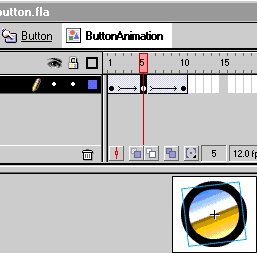
1.)
Create a button, anykind you want. Select the whole button
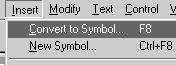
you just made. And click Insert>Convert to Symbol(F8)
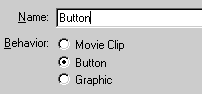
A Properties Box will appear, ask your for a Name. Name
it whatever. And select the Button as the Behavior. Click
Ok
--------------
--------------
--------------
--------------
2.)
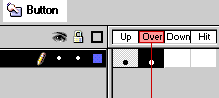
Now double click the button you just made. And make a
new keyframe under (Over)
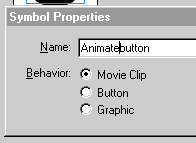
Select the whole button in frame (Over) goto Insert>Convert
to Symbol(F8) Name it and select Movie Clip as the
Behavior.
--------
--------------
--------
3.)
Double click the Movie Clip you just made in frame (Over)
Then
make your animation. I just rotated it on frame 5 in the
Movie Clip. Then back on frame 10
--------
--------------
4.)
Publish it and there you go. Animated hover button. (Note:
I added a (Down) frame ((step2)), where
I alpha faded the button and put the text "Click"
on top of it.)