---------
--------------
---------
--------------
|
| 1.)
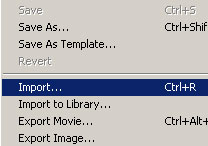
First you choose File > Import and
find the sound .wav file or .mp3 you want to import. |
---------
--------------
 ---------
-----
---------
--------------
|
2.)
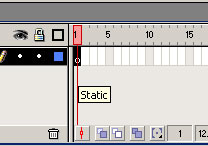
Choose the frame you want to put the sound on. In the
example I choose frame 1.
|
| |
| 3.)
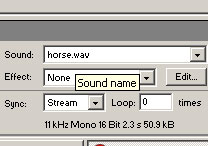
Then you goto properties and select from the sound drop
down menu which file you want to play. DONE! Your sound
will now play on that frame when playing the movie. |
| -lavalle |